Beatport DJ Mixes: How to Find, Stream, and Create
Them
You want Beatport DJ mixes, but Beatport is mainly a store for tracks, not a mix platform like Mixcloud or SoundCloud. That makes it easy to hunt in the wrong places. Mixes do exist there, they just live in a few different spots, and what you can do with them depends on your plan and your setup.
Here is the short answer. You can find and stream curated sets through Beatport's playlists, charts, and DJ-led content, and you can stream full tracks with a Beatport Streaming subscription. For creating your own mix, you can load Beatport tracks into supported DJ software such as rekordbox, Serato DJ Pro, Traktor, or Denon DJ through the streaming integrations. Selling or uploading a mix is a different story, because licensing rules apply.
Below, you'll see where to look for mixes, how streaming and downloads differ, and how to build a set with Beatport tracks step by step. We'll also flag what the rules allow, so your finished mix doesn't get taken down.
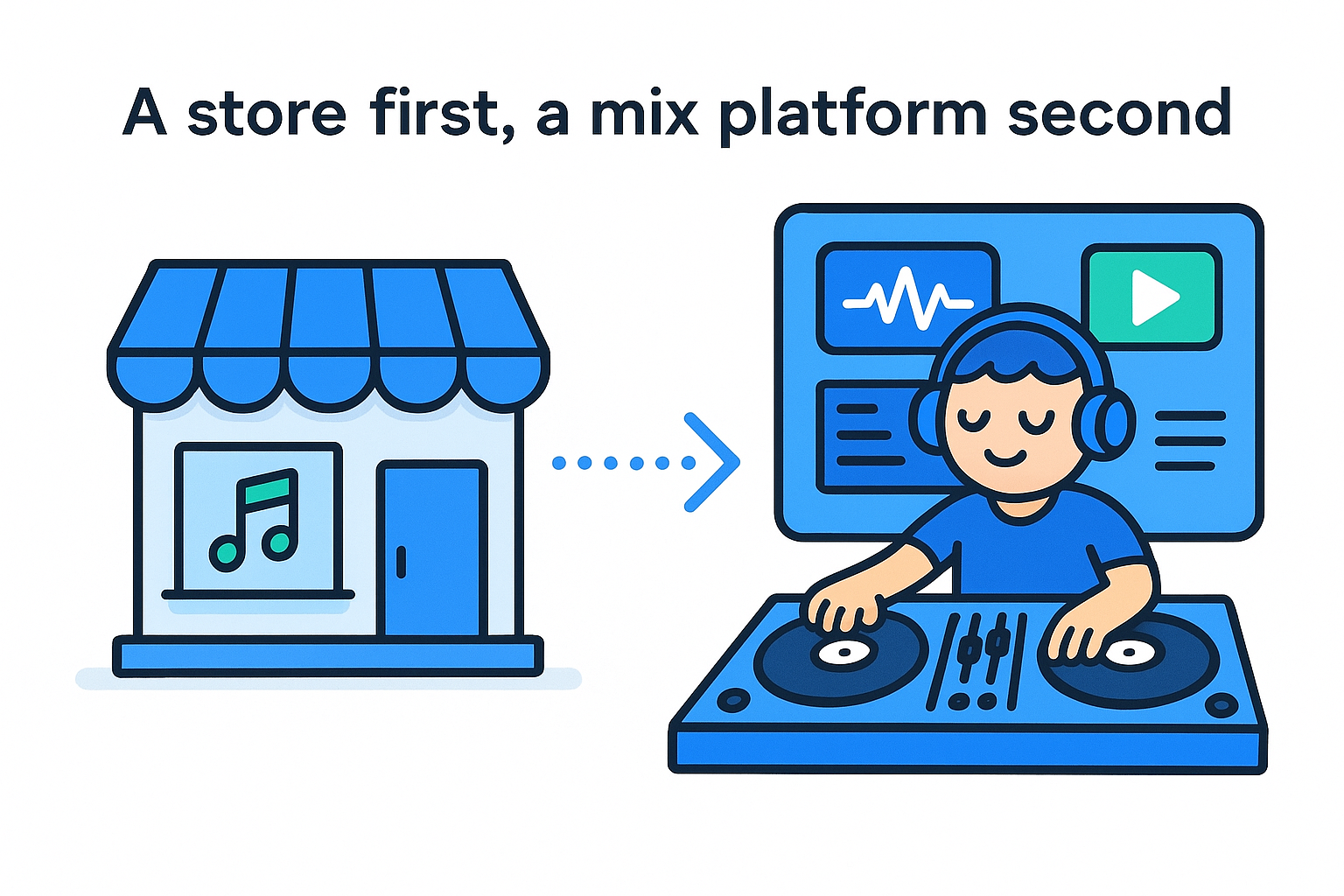
How Beatport handles DJ mixes today A store first, a mix platform second
Beatport built its business on selling and streaming individual tracks. That means Beatport DJ mixes are not a core feature with their own upload page, profiles, and comment threads. You won't find a spot to drop a two-hour recording the way you can on Mixcloud. Instead, mixes show up in a few formats, and each one works differently.
|
Format
|
Where you find it
|
What you get
|
|
DJ charts
|
Genre and artist chart pages
|
A short track list picked by a DJ
|
|
Playlists
|
Editorial and curated playlists
|
A track list you can stream in order
|
|
Live streams and video
|
Beatport's livestream and social channels
|
Live or recorded DJ sets to watch
|
|
Your own mix
|
Beatport tracks inside DJ software
|
A set you build and play yourself
|
What your plan changes
Access depends on what you pay for. A free account gives you short track previews. Buying a track gives you a file you own. A Beatport Streaming subscription gives you full-length streaming of the catalog, and the higher tiers add things like offline access and DJ software support. Plan names and features change, so check the current plan page before you subscribe.
Keep one distinction in mind. A chart or playlist is a list of tracks, not one continuous audio file. You hear each song on its own, without the DJ's transitions. If you want the actual blend, you need a recorded set from a livestream or a DJ's own channel.
Creating works the same way. Beatport supplies the music, and you supply the mixing, either in the Beatport DJ web app or in supported software such as rekordbox, Serato DJ Pro, Traktor, or Denon DJ. What you can do with the finished recording is where the licensing rules come in, and we'll cover that in Step 4.
Beatport sells and streams the tracks, and the mix itself is something you build, play, and share elsewhere.
Step 1. Find DJ mixes and sets on Beatport
Start with charts and playlists, because that is where Beatport DJ mixes are easiest to spot. Ten minutes of browsing gives you a shortlist of DJs and genres worth following.
Browse charts and playlists
Each path below takes a minute or two:
- Open the Charts section and pick a genre, such as Techno or Melodic House & Techno.
- Switch from the general Top 100 to DJ and artist charts to see picks from named DJs.
- Open the Playlists section and filter by genre or mood.
- Search a DJ's name, then check their profile for charts and playlists.
Treat a DJ chart as a tracklist, not a recording. Copy the order into a note, because that sequence shows you how the DJ builds energy and gives you a template for Step 3.
Track down recorded sets
Full recordings mostly sit outside the store. Check Beatport's YouTube channel and social pages for livestreams and recorded sets, then search the DJ's name to find their own uploads on platforms built for long mixes, such as Mixcloud or SoundCloud.
A chart gives you the tracks, and a recorded set gives you the blend.
Follow your favorite DJs on those channels too. Many post a set and then publish the matching tracklist, which lets you buy or stream every song you liked from Beatport afterward.
Step 2. Stream or download mixes legally
Legal access comes down to two routes, streaming and buying. Pick the one that matches what you plan to do. If you only want to listen anywhere, stream. If you want to keep files and play them out, buy.
Stream full tracks
Streaming is the easiest place to start. With a Beatport Streaming plan, you can play full-length tracks from any playlist or chart, and higher tiers add offline playback in the app. To hear a DJ's picks in order:
- Open a playlist or DJ chart.
- Press play on the first track.
- Add the songs you like to your own playlist.
Buy and download tracks
Buying makes sense when you play out or want files that never expire. A purchase gives you a file you own, and Beatport offers formats such as MP3 and WAV, so check the options on each track page.
|
Option
|
What you get
|
Best for
|
|
Streaming plan
|
Full tracks while subscribed
|
Discovery and practice
|
|
Track purchase
|
A file you keep
|
Gigs and long-term libraries
|
A stream is access, and a purchase is ownership.
Skip ripped mixes
Stream-ripping tools and shady download sites promise free copies of sets and tracks. They break platform terms and often deliver low-quality audio, so avoid them.
Instead, use the official listen or offline features on the platform hosting a recorded set. If a DJ posts a download link, use it. When a set has a tracklist, buy the songs you want from Beatport and you have the same music, legally.
Step 3. Build your own mix with Beatport tracks
Now you turn the tracklists you saved into a real set. You need a Beatport plan that includes DJ support and a place to mix, so confirm both before you load anything.
Choose where you'll mix
The Beatport DJ web app runs in a browser, so it is the fastest way to start. Desktop software takes more setup but gives you deeper tools, such as effects and controller mapping.
|
Option
|
Best for
|
Note
|
|
Beatport DJ web app
|
Quick practice, no install
|
Check your plan for DJ access
|
|
rekordbox or Serato DJ Pro
|
Controllers and club-style setups
|
Log in to Beatport inside the software
|
|
Traktor or Denon DJ
|
Gear you already own
|
Confirm streaming support in your version
|
Build the set
Take the chart order you copied in Step 1 as your starting template. Then pick a narrow BPM range, such as 124 to 128, so your first mix with Beatport tracks stays easy to blend.
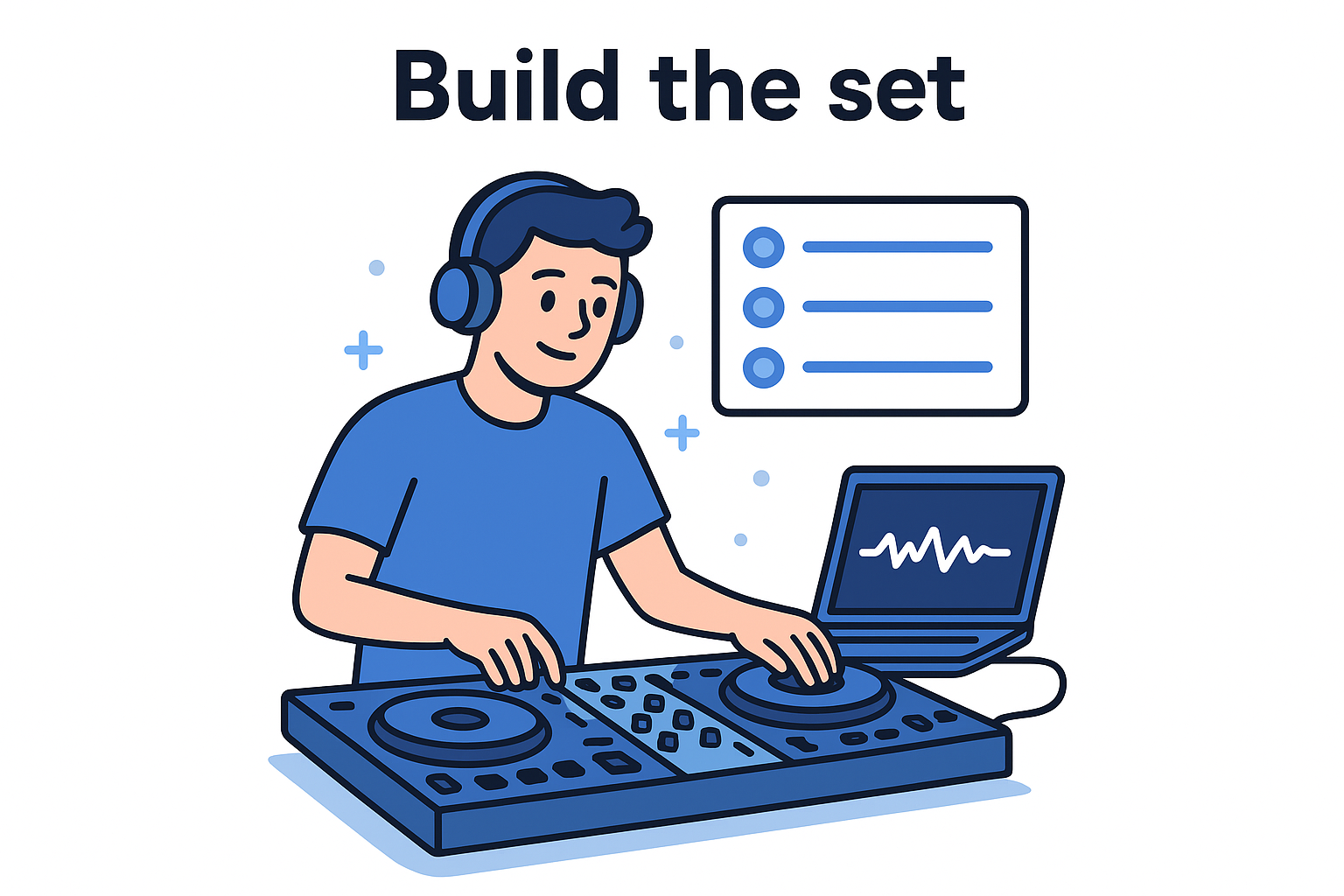
- Add 15 to 20 tracks to one playlist or crate.
- Sort by BPM and key, and keep neighboring keys together.
- Mark the intro and outro of each track with cue points.
- Practice each transition over 16 or 32 bars.
- Hit record in your software and play the set through once.
Plan the order before you touch the crossfader, and the transitions mostly take care of themselves.
Keep your first take short, around 30 minutes. A tight set teaches you more than a long one you never finish.
Step 4. Share or export your mix the right way Check what the license allows
Recording a mix for practice is one thing, and publishing it is another. Tracks you stream or buy are licensed for personal listening and DJ performance, not resale. That means you can't sell your recording as a product. Rules for public posting vary by platform and plan, so read Beatport's current terms before you share your first Beatport DJ mix.
Recording a mix is yours to enjoy, but publishing or selling it is governed by licensing.
Share it on a platform built for mixes
Platforms made for long DJ sets, such as Mixcloud, are the safer home for a recording, because they handle music licensing on their end and expect a tracklist. Upload there instead of passing around a raw audio file. Here is a simple export routine:
- Export your recording as WAV, or as 320 kbps MP3 if the platform asks for it.
- Trim the silence at the start and end.
- Write the tracklist with artist, title, and label.
- Add a cover image and tag the genre.
- Upload it, then share the link instead of the file.
Expect that a platform may mute or remove a mix if it flags tracks it can't license. That is not a penalty for your mixing, only a licensing check. Keep a backup of your original recording, so a takedown never costs you the work.
Finally, if you want to play the set at a gig, buy the tracks you need and keep the files. A stream stops working when your subscription ends, but a purchased file stays in your library.
Where to go from here
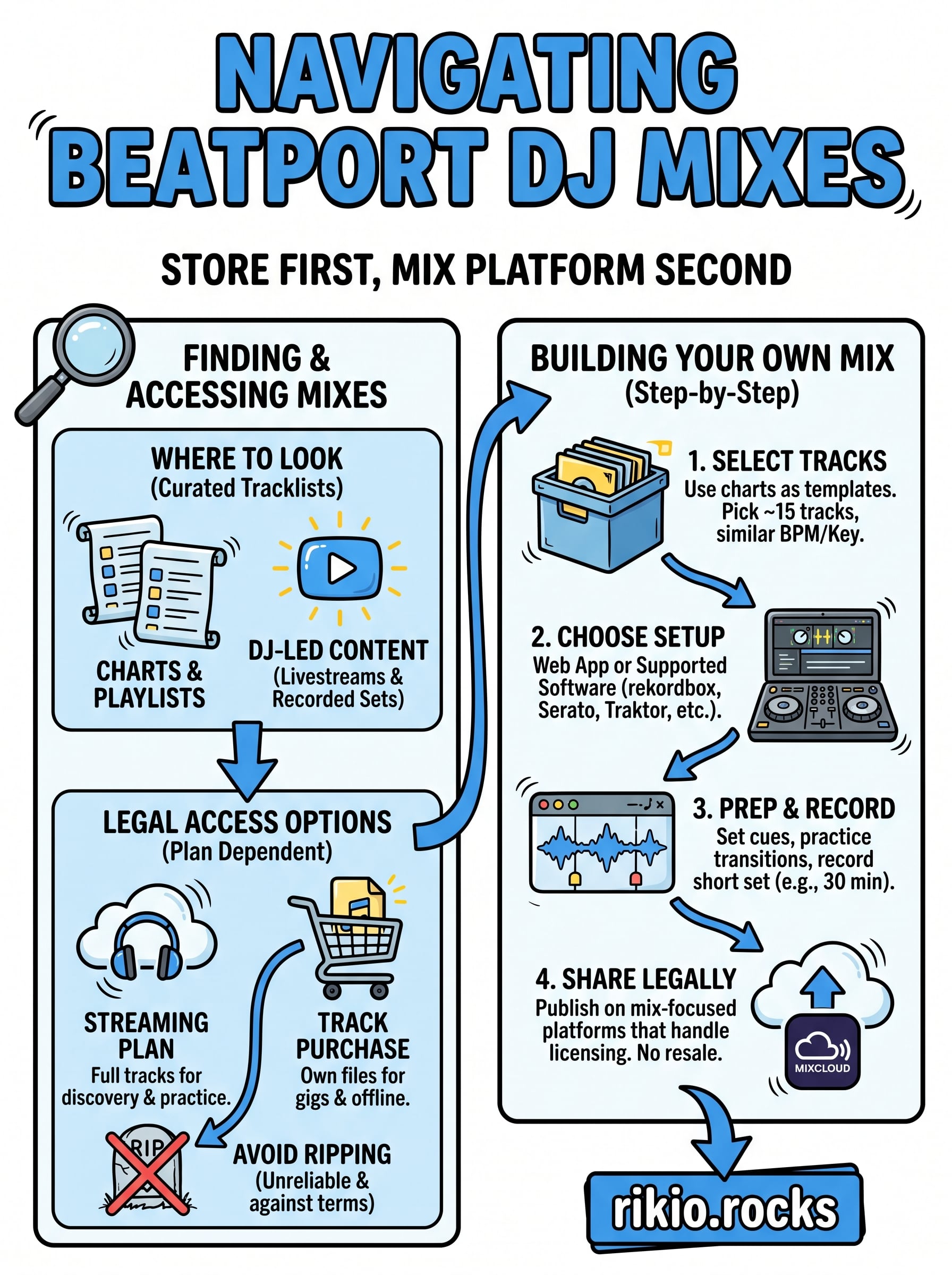
Beatport DJ mixes come down to four moves. Find the sets in charts, playlists, and DJs' own channels. Stream or buy tracks through official routes. Then build your own set in the web app or supported software, and share it on a platform that handles licensing. Keep your first mix short, borrow a DJ's energy curve, and write a clean tracklist.
Need high-tempo material to study transitions? Press play on the CARDIO HITS 2026 playlist on Spotify and listen for how each track lifts the energy before the next one arrives. Then pick your 15 tracks, open your DJ software, and record your first set tonight.
6